To manage a distribution list, follow these steps after logging in to the web-based admin panel of the mail server (more information available here):
- Select "Account Management."
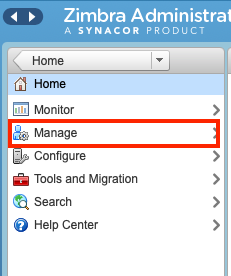
- A list of accounts will be displayed. Choose "Distribution List" from the left menu.
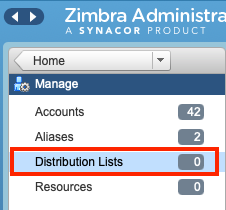
- The distribution list will appear, and on the right side, you will find a control menu. Click the downward arrow to access the context menu with various options.
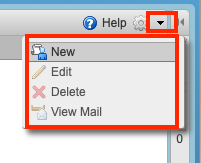
- Here, you will be able to manage the distribution list.
